Stop every team from building its AI tools on its own (2026)
Sales built its quote calculator, the workshop its schedule, accounting its expense tracker, each with its own AI and on its own. Six months later, nobody knows which tools exist, or who uses them. Here is how to bring them together, without slowing down the people who build.
By Aloïs Oddon, co-founder of Nextmap. Facts checked on November 18, 2026.
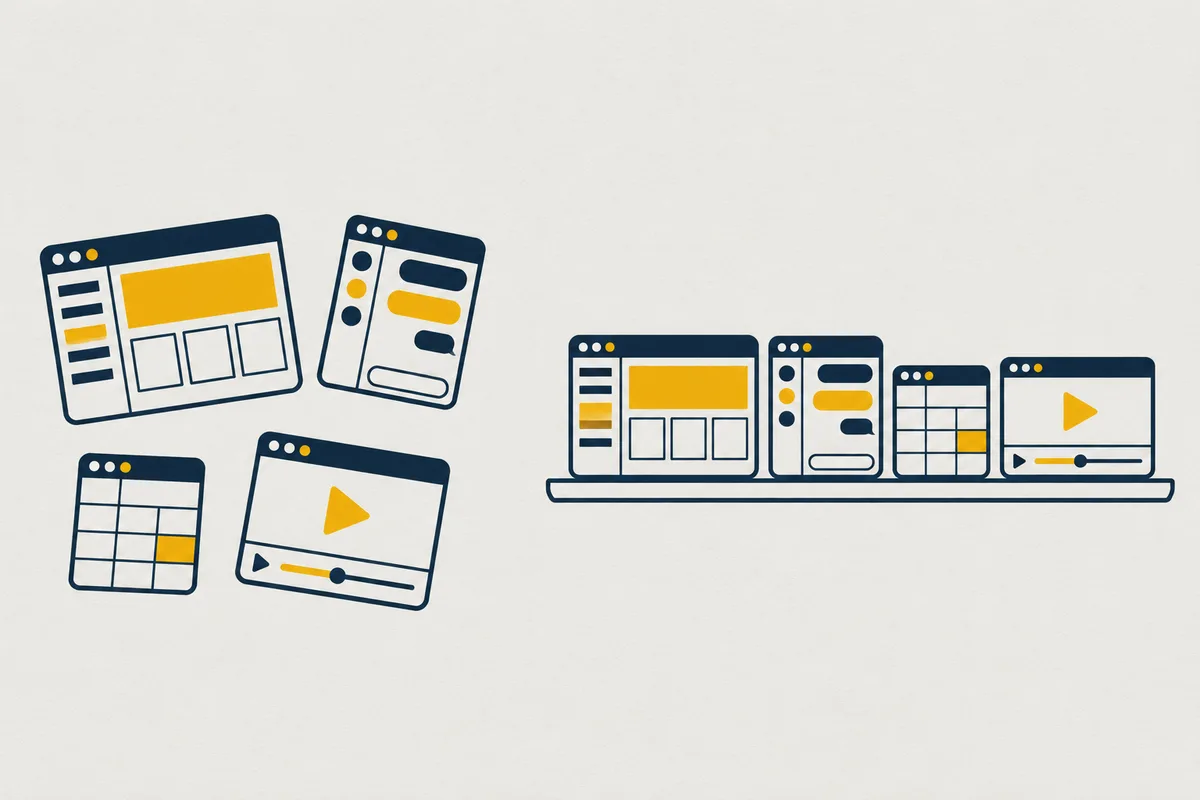
The scenario is almost always the same. Sales built a quote calculator with ChatGPT, the workshop a schedule with Claude, accounting an expense tracker. Each did it on their own, with their AI, and each is happy with it. Six months later, the company has three quote tools that do not talk to each other, a schedule only its author knows how to run, and nobody knows which tools exist anymore.
The problem comes down to organization, and it can be solved without slowing down the people who build.
The short version. Give teams a single place to put the tools they build with their AI. On while, they all appear on your organization’s tools page, with your logo, each kept for the people who use it. Teams keep the AI of their choice, and the company finally sees what it has.
What a tool built on its own costs
A tool built with AI on its own is not bad. It is invisible, and that is what costs.
- Duplicates. Two teams build the same quote tracker, each with its own columns, and the numbers no longer match.
- Dependence on one person. The tool lives on its author’s account, and the day they leave, the tool leaves with them.
- Scattered data. Each tool keeps its data wherever it can, with no backup anyone knows of.
- Blurry access. Nobody knows who uses it, and a public link sometimes travels further than planned.
Bring the tools together, with three rules
This is not about controlling everything. Three rules are enough, and each fits on one line.
- One place for tools. Any tool built with AI that people other than its author use goes to the same place, known to all.
- The tool belongs to the company. It lives in the organization, with its data backed up, and outlives its author’s departure.
- Each tool says who uses it. Kept for a team, for all employees, for a client, or for everyone, and that last case goes through an approval.
You, to your AI: Put this quote calculator on while, in the company’s organization, for the sales team only.

What while does with them
We built while to be that shared place. Each team keeps the AI it prefers, Claude, ChatGPT or Cursor, and puts its tools on while, in the company’s organization.
- A catalog of tools. Your organization’s tools page shows them all, with your logo. Everyone puts their favorite tools first with a star, and from six tools on, a search finds them. See your company’s logo and colors on your tools.
- Each tool kept for the right people. Your colleagues sign in with a while account for up to 3 people, or, on the Pro plan, with their email account, Google or Microsoft. A client uses a tool with an access link and a password. See keep a tool for your colleagues.
- Tools that outlive their author. They live in the organization, with their data backed up every day, and the history shows who did what.
- An approval for everyone. Opening a tool to everyone waits for approval from someone on the team.
Your tools are hosted in France by Nextmap. To put the rules in writing, see the AI acceptable use policy for a small business, and for IT’s point of view, shadow AI: govern the tools your employees build.
Start with one tool
Start with a tool that already exists, one that many people use. Ask its author to give this message to their AI: the trial is free, with no sign-up, and the tool has its address in 3 minutes.
Read while.sh/agents and help me get started with while.